

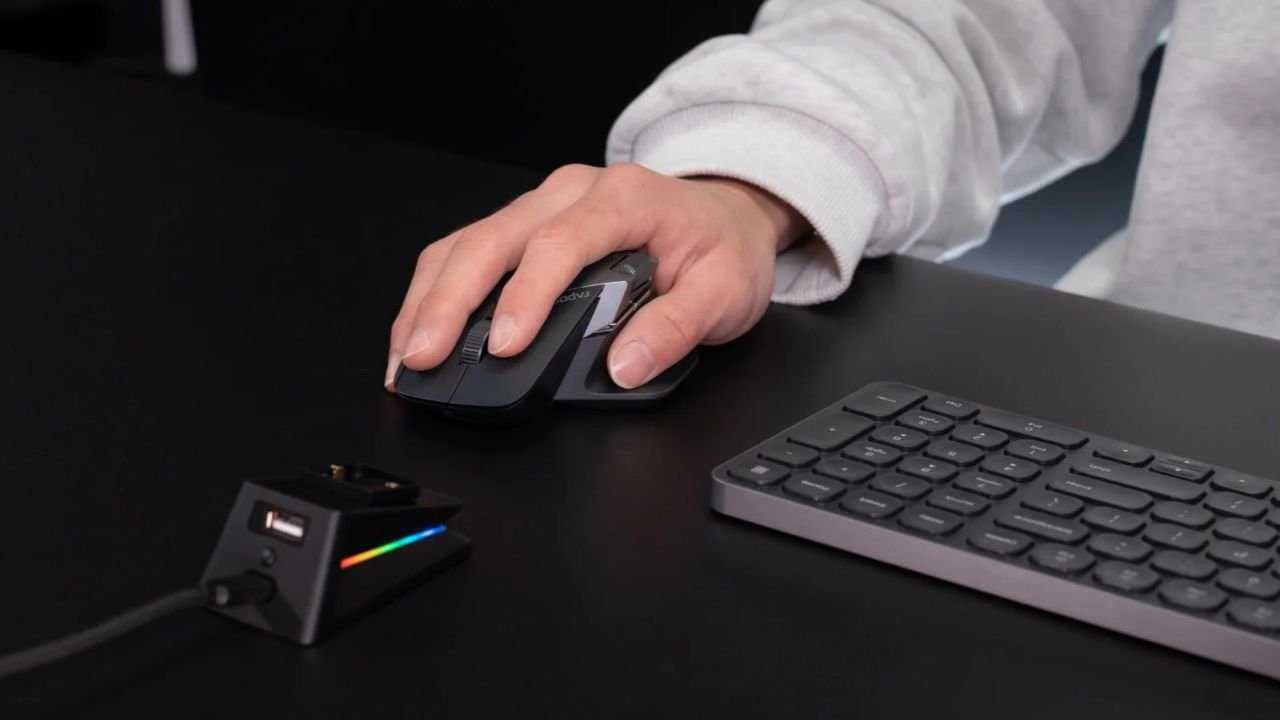
Holding a mouse that never quite matches your hand gets frustrating fast. Your fingers are stressed to touch the buttons, your wrist makes strange shapes, and your aim becomes poor since your shape does not like working with you; rather, it works against you. This is because a majority of the mice are modeled after a normal adult palm, hence you will find that their smaller hands are left to claw at shells, which are too massive and cumbersome on their hands at some point in a lengthy one. The best gaming mouse for small hands solves that problem directly.
Having a shorter shell, a slimmer grip width, and being lighter will modify the level of comfort and precision with which you play the game. This article takes a stroll through eight models that one might consider in 2026, and some useful tips on how to measure your hand and identify the correct grip based on the style of what you want to do with your hand, and then spend a single rupee.
Quick Overview of Best Gaming Mouse For Small Hands
| Mouse | Weight | Dimensions (approx) | Max DPI | Connection | Best Grip Style | Price (approx) |
| Razer Cobra | 58g | 119.6 x 62.5 x 38.1mm | 8,500 | Wired | Claw / Fingertip | $30-40 |
| Cooler Master MM711 | 60g | 116.6 x 62.5 x 38mm | 16,000 | Wired | Claw / Palm | $25-35 |
| Logitech G PRO X Superlight 2 | 60g | 125 x 63.5 x 40mm | 44,000 | Wireless | Claw / Fingertip | $150-160 |
| HyperX Pulsefire Haste 2 Pro 4K | 61g | 124 x 66.7mm | 26,000 | Wireless / Bluetooth | Claw / Fingertip | $80-100 |
| Lamzu Atlantis Mini | 49-51g | 117 x 63 x 37mm | 30,000 | Wireless | Claw | $70-90 |
| Pulsar X2 Mini | 51g | 115.6mm length | 26,000 | Wireless | Fingertip | $60-80 |
| Logitech G305 | ~99g with battery | 116 x 62 x 38mm | 12,000 | Wireless | Claw / Palm | $30-45 |
What Makes a Gaming Mouse Good for Small Hands?
A gaming mouse with small hands will make the shell shorter, typically 105mm-120mm and the grip thinner so that your fingers will not extend to the side buttons. The bump is also much lower, which prevents your palm from curving clumsily over a shape that has been designed to fit in a larger hand. Most of the mainstream mice presuppose an 18 cm-20 cm hand size, and that one design decision is the reason why many gamers with smaller hands turn out to be frustrated. A shorter mouse would fix that issue directly, but only when the shape fits with your natural grip style as well. Massness will never fix the issue when the shell length continues to put your fingers in an unnatural hold.
How to Measure Your Hand Size for a Gaming Mouse?
Take a ruler and measure the crease at your wrist to the end of the middle finger. An answer below about 171mm tends to put you in the small-hand bracket most brands utilize to make a sizing chart. Then be sure you measure your palm at the widest point, as anything less than 85mm will ensure that you have a narrower grip as well. Neither of the two numbers is important in isolation. A short and wide mouse is the same and will not fit your hand well, so before shortlisting any model, ensure that measurements have been taken.
Which Grip Style Suits Small Hands Best?
Your grip style decides which shape actually suits you, and getting this wrong is the most common reason people end up disappointed after buying a new mouse. Claw grip and fingertip grip both pair well with compact shells, while palm grip needs a longer surface that most small-hand mice simply don’t offer.
- Claw grip: The parallel tip of your fingers remains in an arch with just the bottom of your palm placed on the shell. Such a style fits mice that have a distinct rear hump and are shorter in length, as it allows your fingers to be able to click comfortably without the need to stretch.
- Fingertip grip: No portion of your palm is in contact with the mouse at all. The style prefers the lightest and shortest shells that you can find, as each gram and each millimeter counts as to how quickly you can flick and settle the doc.
- Palm grip: Your palm is flat against the shell. Few small mice can do this without making the palm dangle over the back side, as the reduced length places the palm directly over the back end.
Best gaming mouse for small hands in 2026
Each pick below balances weight, shape, and sensor quality differently, so match the description to your grip style and budget rather than picking based on brand alone.
Razer Cobra
This is a wired mouse with a weight of 58 grams, and the optical switches also use the third generation of optical switches made by Razer and can be clicked nearly immediately. The sensor enables 50 unit steps of fine DPI control and a high-end at 8,500 DPI, and a mid-sized rear bump makes the device comfortable to hold in the grip of both claws and fingertips.
Cooler Master MM711
At 60 grams, this honeycomb-shell mouse costs noticeably less than most other options here, yet its Omron switches hold up well over years of daily use. The sensor supports up to 16,000 DPI across seven adjustable presets, so performance never feels compromised despite the lower price.
Logitech G PRO X Superlight 2
This wireless mouse weighs only 60 grams and combines the HERO 2 sensor of Logitech with a battery that can withstand a charge of up to 95 hours. The symmetrical and low-profile shells are just as good at gripping with their claws and fingertips, and there are several competitive players who count on this shape specifically when playing in a tournament.
HyperX Pulsefire Haste 2 Pro 4K
This is a mouse that has a 4,000Hz polling rate and switches between 2.4GHz wireless and Bluetooth, meaning that you can go from a gaming setup to a laptop without reconnecting any of the devices. With a weight of approximately 61 grams, it is sufficiently light so that it can be flicked on the wrist rapidly and yet still capable of following its motion at very high velocities.
Lamzu Atlantis Mini
Weighing just 49 to 51 grams, this mouse measures around 117 x 63 x 37mm, making it one of the smallest well-built shells on this list. It runs native 4K polling alongside a high-end optical sensor, which usually shows up only in pricier models.
Pulsar X2 Mini
Pulsar X2 Mini is a 51-gram mouse with a length of 115.6mm, designed to be used by fingers in shooter games. The rounded-off feature decreases the stretching of the fingers on the side buttons, and this aspect is important when one has to make a rapid and repeated click.
Logitech G305
This wireless mouse has stayed popular for years because its compact shape still suits smaller hands well. A single AA battery powers it for roughly 250 hours, so charging rarely crosses your mind even during heavy use.
Mistakes That Lead to the Wrong Mouse Purchase
Many buyers pick a mouse because the brand feels familiar, without ever checking whether the shape matches their hand. That approach ignores fit entirely, and fit decides comfort far more than any logo on the shell.
- Chasing high DPI numbers without checking grip compatibility first
- Skipping the measurement step and guessing hand size instead
- Ignoring side button placement, which strains your thumb over time
- Assuming every wireless mouse adds noticeable input lag
- Buying based on price alone instead of checking the actual shell length
Smart Tips Before You Buy a Compact Gaming Mouse
Measure your hand length and width first, then match your grip style to a shape rather than a price tag. It helps to have some weight limit (around 65 to 70 grams) when playing fast-paced shooters, because lighter shells would not cause any form of fatigue when engaging in the frequent and repeated movements.
Test your thumb and pinky rest position automatically upon any shell and commit to memory, particularly when there are any side buttons. Wireless and wired mice have almost achieved the same functionality; therefore, ensure you base your decision on comfort and battery choice, rather than on lag.
Final Thoughts on the Best Gaming Mouse for Small Hands
Finding the best gaming mouse for small hands comes down to three habits: measuring your hand accurately, matching your grip style to the right shape, and resisting the urge to chase specs you’ll rarely use in practice. Razer Cobra is most appropriate to fit the needs of the majority of players; the Logitech G PRO X Superlight 2 can easily meet the requirements of competitors in wireless performance; and the Cooler Master MM711 enables players to remain budget-friendly without compromising performance. You want to use a shape that fits your hand, but to do that, you have to measure it and then decide on a shape that fits. That step will make each gaming session this time around different.
Also Read About: Spaceport Warehouse Key In ARC Raiders: Location, Uses, And Loot Details
FAQs
Which mouse works best overall for small hands?
The Razer Cobra ranks as the top pick, thanks to its 58-gram weight and a shape suited to claw and fingertip grip.
What is the strongest wireless pick for small hands?
The Logitech G PRO X Superlight 2 combines a 60-gram weight with 95 hours of battery life, making it the strongest wireless choice available.
What hand size counts as small for a gaming mouse?
Most sizing charts classify hand length under 171mm and width under 85mm as small.
Does a lighter mouse always feel better for small hands?
Not always. Extremely light shells under 50 grams can feel unstable for some players, so shape still matters more than weight alone.
Which grip style suits small hands the most?
Claw grip suits everyday gaming well, while fingertip grip favors speed in fast-paced shooters. Both outperform palm grip on compact shells.
Can wireless mice keep pace with wired ones during competitive play?
Yes. Wireless technology has closed the gap almost completely, and many players now use wireless mice during tournaments without noticing any lag.
How much should a reliable small-hand mouse cost?
Budget picks like the Cooler Master MM711 or Logitech G305 stay affordable, while premium wireless options like the Superlight 2 sit at a higher price point.
Do honeycomb-shell mice wear out faster than solid shells?
They hold up reasonably well over time, though the open design collects dust more easily and needs occasional cleaning.